How Telehealth Changes Equipment Requirements in 2026
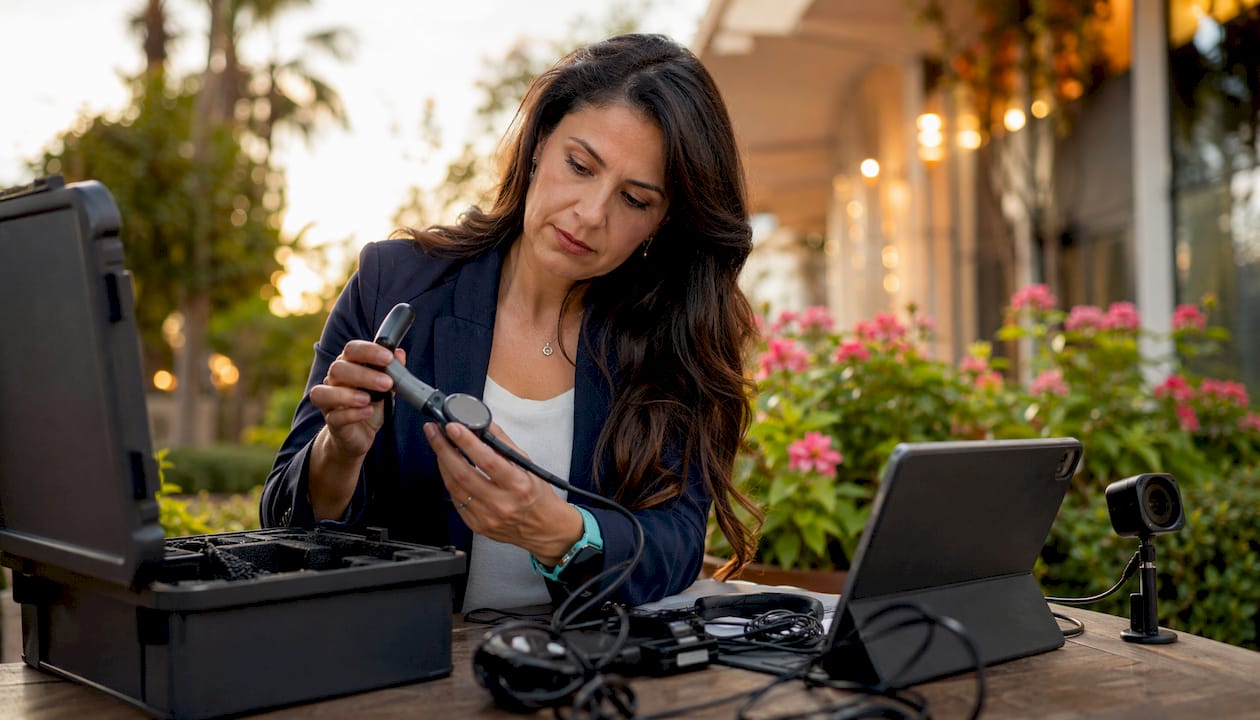
How telehealth adoption changes your medical equipment requirements
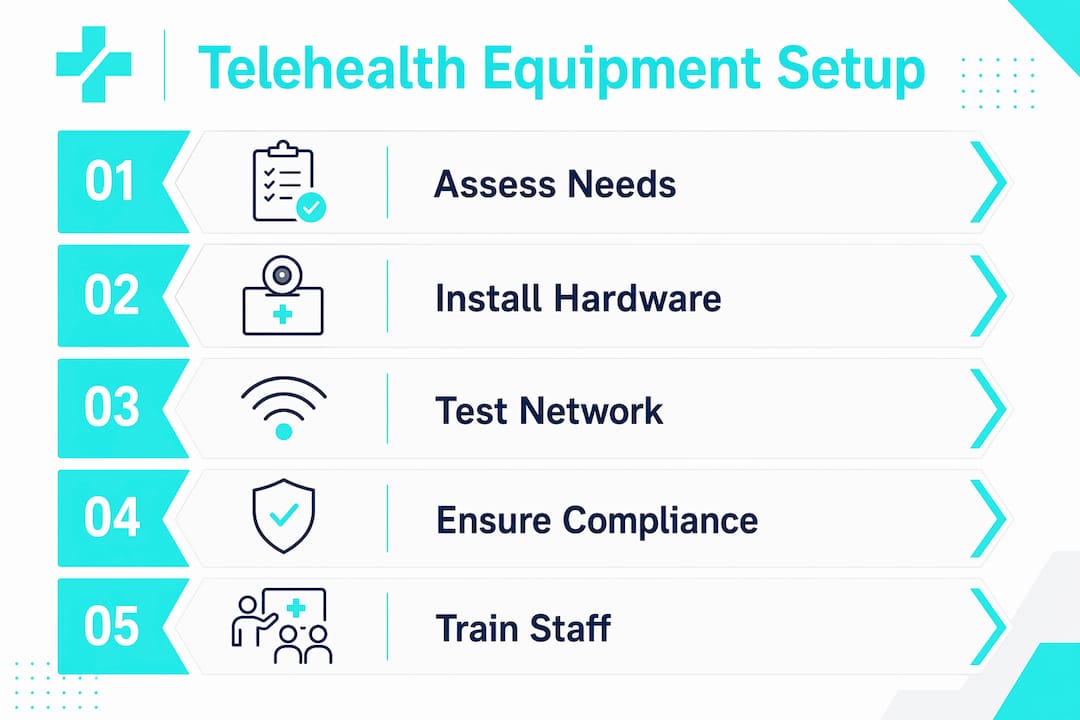
Telehealth doesn’t just add a camera to your exam room. It restructures what your clinic needs to function, from the network in your walls to the peripherals on your cart. The shift is broader than most administrators expect when they first start planning a virtual care program.
Here’s what changes when you move from in-person to telehealth delivery:
Audiovisual hardware becomes clinical infrastructure. A webcam and microphone are no longer optional accessories. They are the primary interface between provider and patient, held to minimum quality standards for diagnostic accuracy.
Network bandwidth becomes a patient safety issue. A dropped connection mid-visit isn’t just inconvenient. It can interrupt a medication review or delay a mental health crisis response.
Specialty peripherals expand the equipment list. Depending on your service lines, you may need digital stethoscopes, exam cameras, or connected pulse oximeters that transmit data directly to your telehealth platform.
Regulatory compliance now governs device choices. The Medicare Telehealth Services List determines which services are reimbursable and under what technology conditions, directly influencing what equipment you must have.
EHR integration is expected, not optional. Telehealth platforms must connect with your electronic health record system, which adds software compatibility requirements to every hardware decision.
Security obligations extend to every device. Any endpoint used for a telehealth visit must meet HIPAA standards, including encryption, access controls, and audit logging.
Staff training becomes a recurring cost. New devices and platform updates require ongoing training, not a single onboarding session.
Maintenance cycles shorten. Telehealth hardware and software require more frequent updates than traditional clinical equipment because platform requirements and security standards evolve continuously.
The 2026 specialty clinic planning guide from Queenssurgical breaks down these shifts by service line, which is a useful starting point if you’re mapping your own upgrade path.
What baseline technology does your clinic actually need for telehealth?
The floor for a functional telehealth setup is higher than most providers realize before their first visit. A consumer-grade laptop and home Wi-Fi will fail in a busy clinic environment, sometimes mid-appointment.
Audiovisual hardware minimums
For providers, a dedicated webcam with at least 1080p resolution is the practical standard. Built-in laptop cameras often produce poor image quality under clinical lighting, which matters when you’re assessing skin tone, wound appearance, or patient affect. A directional USB microphone or a noise-canceling headset reduces ambient clinic noise that can obscure patient speech. Dual monitors are worth the investment: one screen for the video call, one for the EHR, so you’re not toggling windows during the visit.
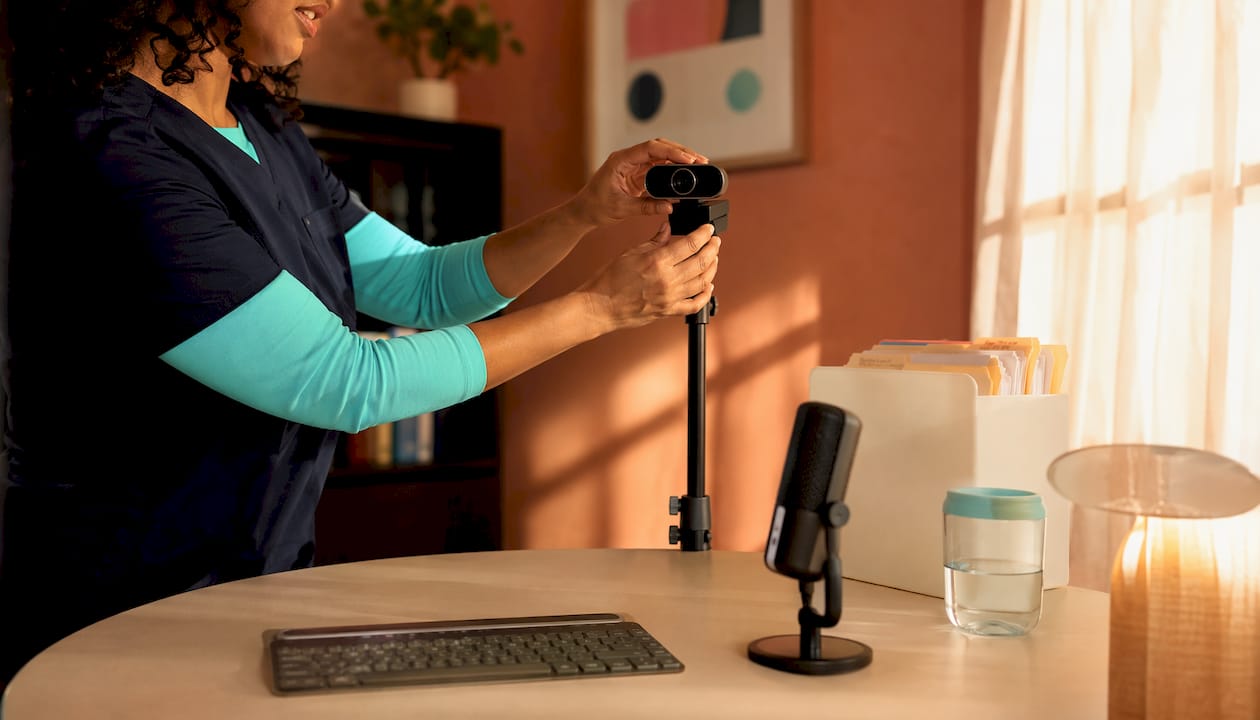
Patients need far less. A smartphone, tablet, or computer with a front-facing camera and a stable internet connection covers the majority of visits, according to HHS guidance. Audio-only remains available for patients who can’t manage video technology, particularly for behavioral health services.
Network and bandwidth requirements
Single video calls require sufficient upload and download speed, but that requirement multiplies with concurrent sessions. A clinic running multiple telehealth sessions needs business-grade fiber rather than a shared consumer broadband connection. Jitter control matters as much as raw speed. Packet loss and latency spikes cause the audio breakups and frozen frames that erode patient trust and diagnostic accuracy.
Clinic size | Concurrent sessions | Recommended bandwidth | Connection type |
Solo practice | 1–2 | Business broadband suitable for small practice | |
Small group (3–5 providers) | 3–5 | Business fiber recommended for small groups | |
Mid-size clinic | — | Dedicated fiber suggested for mid-size clinics | |
Large facility | — | Enterprise fiber with QoS typically needed for large facilities |
Platform and software requirements
Your telehealth platform must be HIPAA-compliant, which rules out standard consumer video tools like FaceTime or Zoom’s free tier for clinical use. Look for platforms that offer end-to-end encryption, a virtual waiting room, and documented Business Associate Agreements. EHR integration is the other non-negotiable: a platform that doesn’t connect to your existing record system creates documentation gaps and doubles your staff’s workload. CMS guidance recommends auditing your existing patient portal first, since many already include telehealth functionality that you may not be using.
Pro Tip: Test your full equipment setup, including camera, microphone, lighting, and platform login, before each provider’s first telehealth session. Technical failures during a live visit are far more disruptive than a 10-minute pre-visit check.
What regulatory changes are shaping telehealth equipment standards in 2026?
The regulatory picture for telehealth in 2026 is more settled than it was during the COVID-19 public health emergency, but it’s still evolving. Several key policies directly determine what equipment you need and what modalities you can bill for.
Medicare Telehealth Services List and audio-only rules
The Medicare Telehealth Services List is updated annually by CMS and determines which services qualify for telehealth reimbursement. For 2026, behavioral health telehealth services are permanently covered with no geographic restrictions, and audio-only delivery for behavioral health is also permanent. Non-behavioral services retain audio-only options through December 31, 2027, provided the patient is unable or unwilling to use video technology. That distinction matters for equipment planning: if your clinic serves behavioral health patients, you need a permanent audio-capable setup, not just a video-first one.
Geographic restrictions on originating sites for non-behavioral Medicare telehealth services are lifted through December 31, 2027, meaning patients can receive care at home rather than traveling to a clinic. That shifts some equipment responsibility to the patient side and changes how you conduct pre-visit technology checks.
CMS waivers and their equipment implications
CMS waivers issued during the public health emergency expanded which providers could deliver telehealth and under what conditions. Many of those flexibilities are now codified through 2027. Federally Qualified Health Centers and Rural Health Clinics can serve as distant site providers for non-behavioral services through december 31, 2027, which means those facilities need the same full telehealth equipment stack as any other Medicare provider.
HIPAA and device security mandates
HIPAA’s Security Rule applies to every device used in a telehealth visit. That includes the provider’s workstation, any peripheral connected to it, and the platform transmitting the session. Covered entities must conduct regular risk assessments that include telehealth endpoints, document their security controls, and have a breach notification plan in place. Choosing a device or platform that lacks encryption or audit logging isn’t just a technical gap. It’s a compliance failure with real financial exposure.
ISO standards for interoperability
ISO/TR 16056 addresses interoperability for telehealth devices, setting a framework for how equipment from different manufacturers communicates within a care system. For administrators purchasing peripherals, ISO compliance signals that a device is designed to integrate with existing clinical infrastructure rather than operate as a standalone tool. This matters most when you’re connecting specialty devices to your EHR.
Verify that any peripheral you purchase carries documentation of software compatibility with your EHR vendor.
Confirm that your telehealth platform vendor provides a signed Business Associate Agreement before going live.
Review your state’s telehealth practice standards, which may impose additional equipment or consent requirements beyond federal rules.
Check the compliance requirements guide for a breakdown of how federal and state rules interact for clinical equipment decisions.
What operational and infrastructure challenges come with telehealth equipment at scale?
Getting the equipment right is one problem. Keeping it running across a busy clinic is another. The operational layer is where many telehealth programs run into trouble after a promising launch.
Network stability as a clinical priority
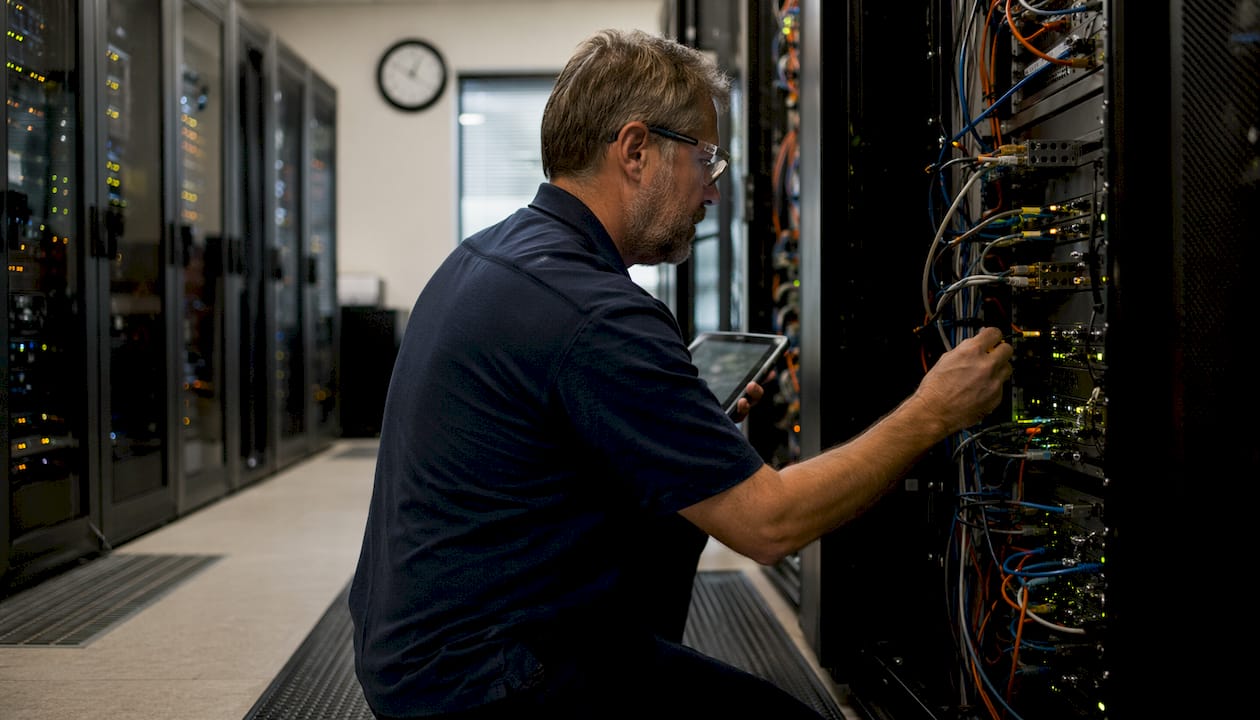
Stable connections are foundational to successful telehealth adoption, and research consistently shows that connectivity stability correlates more strongly with positive patient outcomes and rapport than minor image quality differences. A crystal-clear video feed on an unstable connection is worse than a slightly compressed image on a rock-solid one. For busy clinics, that means treating your network infrastructure as clinical infrastructure, with the same priority you’d give to a diagnostic device.
Business-grade fiber with quality-of-service settings that prioritize telehealth traffic is the standard for multi-provider environments. Consumer internet services, even fast ones, typically lack the service-level agreements and jitter controls that clinical use demands. The decision between renting or buying your network and telehealth hardware is worth analyzing carefully, since capital costs for a full clinic upgrade can be substantial.
Technical support and maintenance scheduling
Telehealth equipment requires ongoing firmware updates and security patches to stay compatible with evolving platform requirements and HIPAA standards. A device that was compliant at purchase can fall out of compliance within months if updates are skipped. Build a maintenance calendar that includes quarterly firmware checks, annual hardware assessments, and immediate patch deployment for any security vulnerability flagged by your platform vendor.
Designate a staff member or contract an IT support service specifically for telehealth systems. General IT support that handles everything from printers to EHRs often deprioritizes telehealth devices until something breaks during a live visit.
Budget planning for recurring technology costs
Telehealth equipment is not a one-time capital expense. Treat it as an ongoing operational line item that includes:
Annual platform licensing and per-provider seat fees
Hardware replacement cycles (typically 3–5 years for cameras and peripherals)
Firmware and software update labor costs
Staff training time for platform updates and new device onboarding
Network infrastructure upgrades as visit volume grows
Clinics that budget only for initial hardware often find themselves with outdated equipment within two years, either because the platform has outpaced the hardware or because security requirements have changed. The clinic supply inventory management guide covers how to track and plan for these recurring equipment cycles alongside your broader clinical supply needs.
Equity and access gaps
Telehealth infrastructure investments in low-resource settings are critical for equitable access, particularly for chronic disease management. High equipment costs and unreliable broadband in rural or underserved areas create real barriers, both for patients and for smaller practices trying to stand up a compliant program. Federal programs through HRSA and the FCC’s Healthcare Connect Fund offer funding pathways for eligible providers, but they require advance planning and documentation.
How do you maintain compliance and best practices for telehealth equipment use?
Compliance in telehealth isn’t a one-time certification. It’s a continuous practice that touches every device, every session, and every staff member who touches the system.
Privacy and security controls for every endpoint
Every device used in a telehealth visit must have full-disk encryption enabled, automatic screen lock after inactivity, and access controls that prevent unauthorized users from opening the telehealth platform. Shared workstations are a particular risk: if multiple providers use the same computer for telehealth, each needs a separate login with individual audit trails. Your IT team should conduct a formal risk assessment of all telehealth endpoints at least annually, documenting findings and remediation steps.
EHR and workflow integration
A telehealth platform that doesn’t connect to your EHR creates documentation gaps that can affect both care quality and billing accuracy. At minimum, your platform should support automated visit note creation, consent documentation, and billing code capture. Many EHR vendors now offer native telehealth modules, which simplify integration but may limit your choice of video platform. Third-party integrations are available but require dedicated IT configuration, particularly for specialty peripherals that transmit clinical data.
Staff training protocols
Technical and digital support for clinical staff significantly improves telehealth adoption and reduces errors during live visits. Training should cover three areas: platform operation, device troubleshooting, and patient support. Providers need to know how to manage a dropped connection, switch to audio-only mid-visit, and document the modality change in the EHR. Front desk staff need to know how to walk patients through a pre-visit technology check. Both groups need refresher training whenever the platform updates or new devices are added.
Documentation and audit readiness
CMS and state Medicaid programs may audit telehealth claims for documentation of the modality used, patient consent, and the clinical appropriateness of the visit. Your EHR documentation should capture whether the visit was video or audio-only, the patient’s consent status, and any technical issues that affected the session. Retain these records according to your state’s medical record retention requirements, which typically range from 5–10 years.
Conduct quarterly internal audits of telehealth documentation for completeness.
Verify that your platform’s audit log captures provider login times, session duration, and any connection interruptions.
Review your Business Associate Agreements with all platform and peripheral vendors annually.
Update your HIPAA risk assessment whenever you add a new device or platform to your telehealth stack.
Which specialized peripherals do you actually need for remote physical exams?
The gap between a basic telehealth visit and a clinically useful one often comes down to peripherals. A standard webcam and microphone work fine for a medication review. They don’t work for auscultating a heart murmur or examining an eardrum.
Core specialty devices by clinical area
Digital stethoscopes, otoscopes, and exam cameras are the foundation of remote physical examination across most specialties. Each serves a different diagnostic function, and each comes with its own integration requirements.
Cardiology and pulmonology rely on digital stethoscopes that transmit amplified heart and lung sounds in real time. Devices in this category connect via Bluetooth or USB and require dedicated software to stream audio through your telehealth platform. The sound quality difference between a digital stethoscope and a patient holding their phone to their chest is clinically significant.
ENT and primary care use digital otoscopes to examine ear canals and tympanic membranes remotely. These devices capture high-resolution images or video that the provider views on their screen in real time. They require a patient-side operator, typically a medical assistant or a trained family member, which adds a workflow consideration that pure video visits don’t have.
Dermatology depends on high-resolution exam cameras with macro capability. Standard webcams can’t capture the detail needed to assess a lesion, rash, or wound. Dedicated dermatoscope attachments for smartphones exist, but clinical-grade USB exam cameras with adjustable magnification are more reliable for provider-side review.
Chronic disease management uses connected devices like pulse oximeters, blood pressure cuffs, and glucometers that transmit readings directly to the telehealth platform or EHR. These are often patient-owned devices in remote monitoring programs, but the clinic must verify device compatibility and data transmission accuracy before relying on the readings clinically.
Integration challenges you need to plan for
Specialized peripherals rarely work as plug-and-play devices. Most require proprietary drivers, dedicated software, and IT configuration to transmit data through your telehealth platform and into your EHR. A digital stethoscope from one manufacturer may not integrate with your video platform without a middleware solution. Budget for IT setup time, not just hardware cost, when you’re adding peripherals to your telehealth program.
Calibration is the other issue that gets overlooked. Medical peripherals used for diagnostic purposes need regular calibration checks to maintain accuracy. A pulse oximeter that reads 2% low isn’t just a hardware problem. It’s a patient safety issue. Build calibration schedules into your maintenance calendar alongside firmware updates.
Pro Tip: Before purchasing any specialty peripheral, confirm with your EHR vendor and telehealth platform vendor that the device is on their supported hardware list. An unsupported device may transmit data in a format your system can’t read.
The medical products overview for providers covers the full range of clinical peripherals relevant to telehealth setups, organized by specialty.
Queenssurgical supports your telehealth equipment needs in 2026
Upgrading your clinic’s telehealth setup means sourcing reliable equipment across multiple categories at once, from exam gloves and disposables for your in-person hybrid workflow to the instruments and supplies that support your clinical staff between virtual visits.

Queenssurgical stocks the medical supplies and instruments that keep your facility running on both sides of the care model. Whether you need nitrile examination gloves for your in-person procedures or precision surgical instruments for your clinical team, the catalog covers the consumables and tools that telehealth planning guides often overlook. Queenssurgical serves clinics, hospitals, and healthcare facilities across the Americas with wholesale and retail options, competitive pricing, and a product range built around what medical professionals actually need, not what looks good in a brochure.
Key product categories available through Queenssurgical relevant to telehealth-integrated facilities:
Examination gloves and protective equipment for hybrid care settings
Surgical instruments and clinical tools for in-person components of telehealth programs
Diagnostic and wellness supplies supporting chronic disease monitoring
Medical consumables for facilities managing both virtual and in-person patient volumes
Key Takeaways
Telehealth adoption requires a full equipment overhaul, from business-grade network infrastructure to specialty peripherals and HIPAA-compliant platforms, not just a webcam and a video call link.
Point | Details |
Network is clinical infrastructure | Single video calls need ~5 Mbps; multi-provider clinics require business-grade fiber with jitter controls. |
Regulations drive equipment choices | Medicare’s permanent behavioral health audio-only rules and 2027 extensions for non-behavioral services directly shape what modalities your setup must support. |
Peripherals require IT setup, not just hardware | Digital stethoscopes, otoscopes, and exam cameras need driver configuration and EHR integration, not just a USB port. |
Maintenance is a recurring budget line | Firmware updates, security patches, and hardware replacement cycles must be planned as ongoing operational costs, not one-time purchases. |
Queenssurgical covers your clinical supply needs | From examination gloves to surgical instruments, Queenssurgical supplies the consumables and tools that support both virtual and in-person care delivery. |
Recommended
Comments